전부터 구현해 보고 싶었던 scramble text effect를 구현해 보았다.
코드 레퍼런스: https://codepen.io/soulwire/pen/mEMPrK
1. Scramble Text Effect

이와 같이 텍스트가 임의의 문자로 변환되다가 점점 올바른 텍스트로 변해가는 애니메이션 효과를 말한다. 일반적으로 랜덤하게 문자들이 바뀌다가 올바른 텍스트가 서서히 자리 잡는 방식으로 구현된다.
2. 구현 코드
1. 1차 구현
기본 구현 아이디어는 다음과 같다.(chatGPT의 도움을 받았다.)
- 텍스트를 배열에 넣고
- 랜덤 index의 텍스트를 characters의 랜덤한 글자와 교체한다.
- 믹스된 텍스트를 렌더링한다.
export default function ScrambleText() {
  const texts = useMemo(() => { // text 배열 선언
    return [
      "Neo,",
      " Type messages everywhere!",
      "Add a bio to your profile!",
      "Add a description to your repo!",
      "Make your readme stand out!",
      "Unstyled, Composable Random Text Animation React Component",
    ];
  }, []);

  const duration = useMemo(() => 1500, []); // 각 글자의 스크램블 지속 시간 (1초)
  const pauseDuration = useMemo(() => 2000, []); // 각 글자 사이 멈춤 시간

  const [displayText, setDisplayText] = useState<string>("");
  const [textIndex, setTextIndex] = useState<number>(0); // 현재 보여줄 텍스트 인덱스

  const characters = "!<>-_\\\\/[]{}—=+*^?#________";

  // 랜덤한 순서로 인덱스를 확정하기 위한 배열 생성
  const shuffledIndices = useMemo(() => {
    const indices = [...Array(texts[textIndex].length).keys()];
    for (let i = indices.length - 1; i > 0; i--) {
      const j = Math.floor(Math.random() * (i + 1));
      [indices[i], indices[j]] = [indices[j], indices[i]];
    }
    return indices;
  }, [textIndex, texts]);

  useEffect(() => {
    let iterations = texts[textIndex].length;
    const confirmedChars: boolean[] = new Array(texts[textIndex].length).fill(
      false,
    );

    const scramble = () => {
      const scrambledText = texts[textIndex]
        .split("")
        .map((_, index) =>
          confirmedChars[index]
            ? texts[textIndex][index]
            : characters[Math.floor(Math.random() * characters.length)],
        )
        .join("");

      const currentIndex =
        shuffledIndices[texts[textIndex].length - iterations];
      confirmedChars[currentIndex] = true;
      confirmedChars[currentIndex + 1] = true;

      setDisplayText(scrambledText);

      iterations -= 2;

      if (iterations <= 0) {
        clearInterval(intervalId);
        setDisplayText(texts[textIndex]); // 최종 텍스트 설정
        setTimeout(() => {
          setTextIndex((prev) => (prev + 1) % texts.length);
          iterations = texts[(textIndex + 1) % texts.length].length;
        }, pauseDuration);
      }
    };

    const intervalId = setInterval(scramble, 100); // 0.1초마다 scramble 함수 실행

    return () => clearInterval(intervalId); // 컴포넌트 언마운트 시 interval 제거
  }, [duration, shuffledIndices, texts, textIndex, pauseDuration]);

  return <Text>{displayText}</Text>;
}
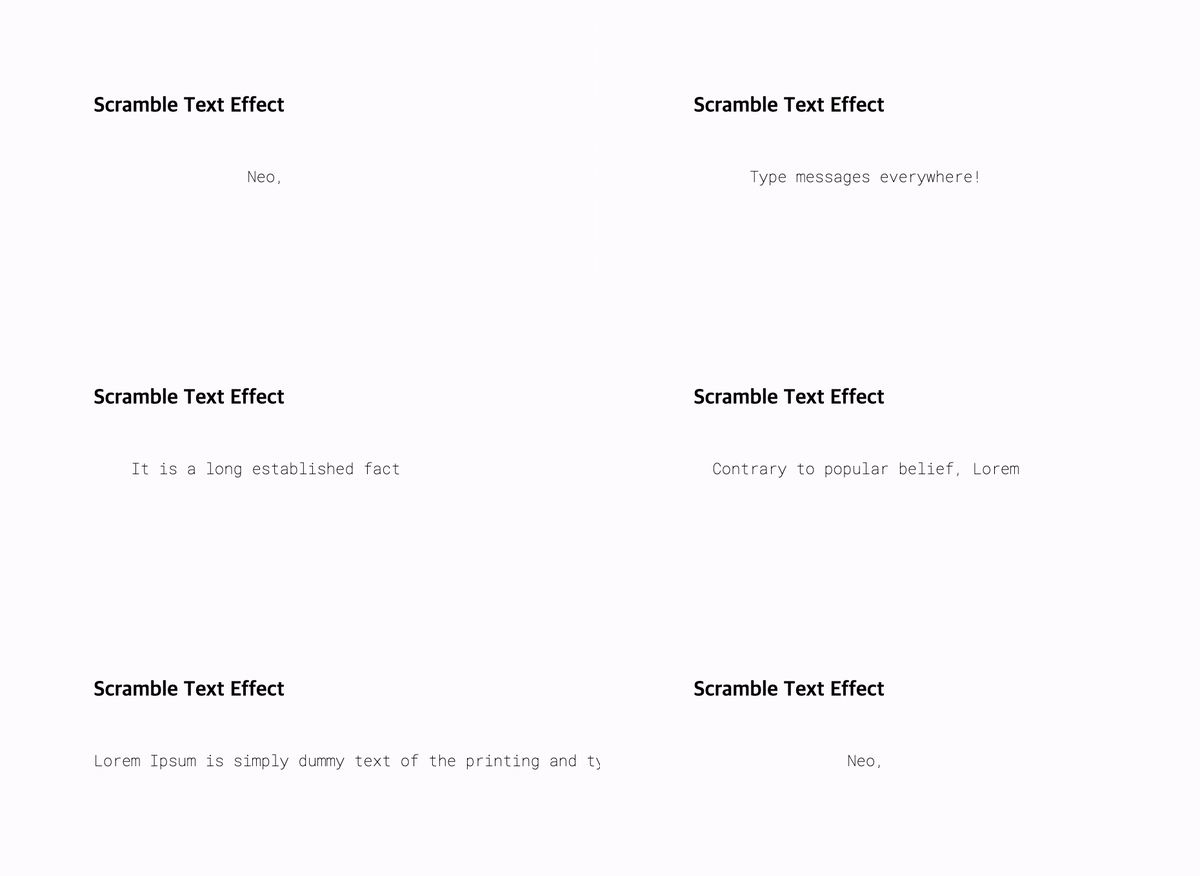
이렇게 하면 효과는 구현할 수 있지만 아래처럼 글자와 글자 사이의 전환이 뚝뚝 끊기면서 이루어지게 된다.
이 부분이 마음에 들지 않아 레퍼런스 코드를 자세히 뜯어봤다.
2. 2차 구현
텍스트의 길이가 점점 늘어나거나 점점 줄어드는 듯한 효과를 어떻게 구현하나 봤는데 queue 배열을 선언하여 구현했다. queue의 길이는 현재 텍스트와 다음 텍스트의 길이 중 긴 것을 선택하고 from과 to에 현재 텍스트와 다음 텍스트의 글자를 하나씩 넣는다. 부족한 텍스트는 “”로 처리한다.
iteration을 queue의 길이만큼 반복하도록 로직을 구현했다.
그리고 랜덤한 숫자를 가진 start와 end를 queue에 추가하고 iteration 횟수에 따라 start 이하일 때 현재 텍스트, start 이상일 때 랜덤 텍스트, end 이상일 때 다음 텍스트를 렌더하는 방식으로 텍스트를 믹스했다.
const PHASES = [
  "Neo,",
  "sooner or later",
  "you're going to realize",
  "just as I did",
  "that there's a difference",
  "between knowing the path",
  "and walking the path",
  "Unstyled, Composable Random Text Animation React Component",
];

const ScrambleText = () => {
  const interval = 100;
  const pauseDuration = 2000;
  const characters = "!<>-_\\\\/[]{}—=+*^?#________";

  const [displayText, setDisplayText] = useState<(string | ReactNode)[]>([]);
  const [textIndex, setTextIndex] = useState<number>(0);
  const [queue, setQueue] = useState<
    { from: string; to: string; start: number; end: number }[]
  >([]);

  const text = PHASES[textIndex];

  const initializeQueue = useCallback(() => {
    const nextText = PHASES[(textIndex + 1) % PHASES.length];
    const length = Math.max(text.length, nextText.length);
    const newQueue = Array.from({ length }, (_, i) => {
      const from = text[i] || "";
      const to = nextText[i] || "";
      const start = Math.floor(
        (Math.random() * (text.length + nextText.length)) / 2,
      );
      const end =
        start +
        Math.floor((Math.random() * (text.length + nextText.length)) / 2);
      return { from, to, start, end };
    });

    setQueue(newQueue);
  }, [text, textIndex]);

  useEffect(() => {
    let iterations = queue.length;

    const scramble = () => {
      const scrambledText = queue.map(({ from, to, start, end }) => {
        if (queue.length - iterations >= end) {
          return to;
        } else if (queue.length - iterations >= start) {
          const char =
            characters[Math.floor(Math.random() * characters.length)];
          return (
            <span className="dud">
              {char}
            </span>
          );
        } else {
          return from;
        }
      });

      setDisplayText(scrambledText);
      iterations -= 1;

      if (iterations <= 0) {
        clearInterval(intervalId);
        setDisplayText(text.split(""));
        setTimeout(() => {
          initializeQueue();
          setTextIndex((prev) => (prev + 1) % PHASES.length);
        }, pauseDuration);
      }
    };

    const intervalId = setInterval(scramble, interval);
    return () => clearInterval(intervalId);
  }, [text, queue, initializeQueue, pauseDuration]);

  return <Text>{displayText}</Text>;
};
예시 코드에는 생략했지만 참고로 리액트의 diffing algorithm 때문에 span의 key를 중복 없이 설정 해줘야 한다. key가 같으면 리액트가 이전에 렌더된 랜덤 텍스트를 다음 텍스트로 교체하지 않는다.
3. Interval 처리
레퍼런스에서는 requestAnimationFrame 함수와 frame이라는 변수를 사용해 스크램블 하는 시간을 텍스트 길이에 상관 없이 거의 동일하게 처리했다.
하지만 나는 인터벌 시간을 0.1sec로 설정하는 것이 보기에 가장 좋아서 길이가 길다면 스크램블 되는 시간을 늘리는 애니메이션을 선택했다.(이부분은 취향 차이인 것 같다.)
4. css 처리
css는 레퍼런스와 동일한 색상으로 처리했다. 랜덤한 텍스트를 어두운 색상으로 설정하면 좀 더 극적인 scramble text 효과를 볼 수 있다.
5. 텍스트 생성 효과
scramble text effect는 여러개의 텍스트들을 전환해도 되지만 아래처럼 아무것도 없는 상태에서 스크램블 되면서 텍스트가 나타나는 효과도 만들어볼 수도 있다. PHASES 안에 “”를 추가하면 아래와 같은 효과를 만들어볼 수 있다.

3. 후기
사실 레퍼런스 코드 복붙해도 되긴 할텐데 리액트에 맞게 코드를 수정하느라 구현에 좀 시간이 걸렸다. 그리고 chatGPT에게 리액트에 맞게 바꿔달라고 20번은 물어봤는데 레퍼런스와 비슷한 느낌이 전혀 나지 않아서 결국 하나하나 뜯어보며 코드를 작성해야 했다ㅋㅋ..
ps. 혹시 부족한 부분이나 개선점을 발견하셨다면 댓글 부탁드립니다